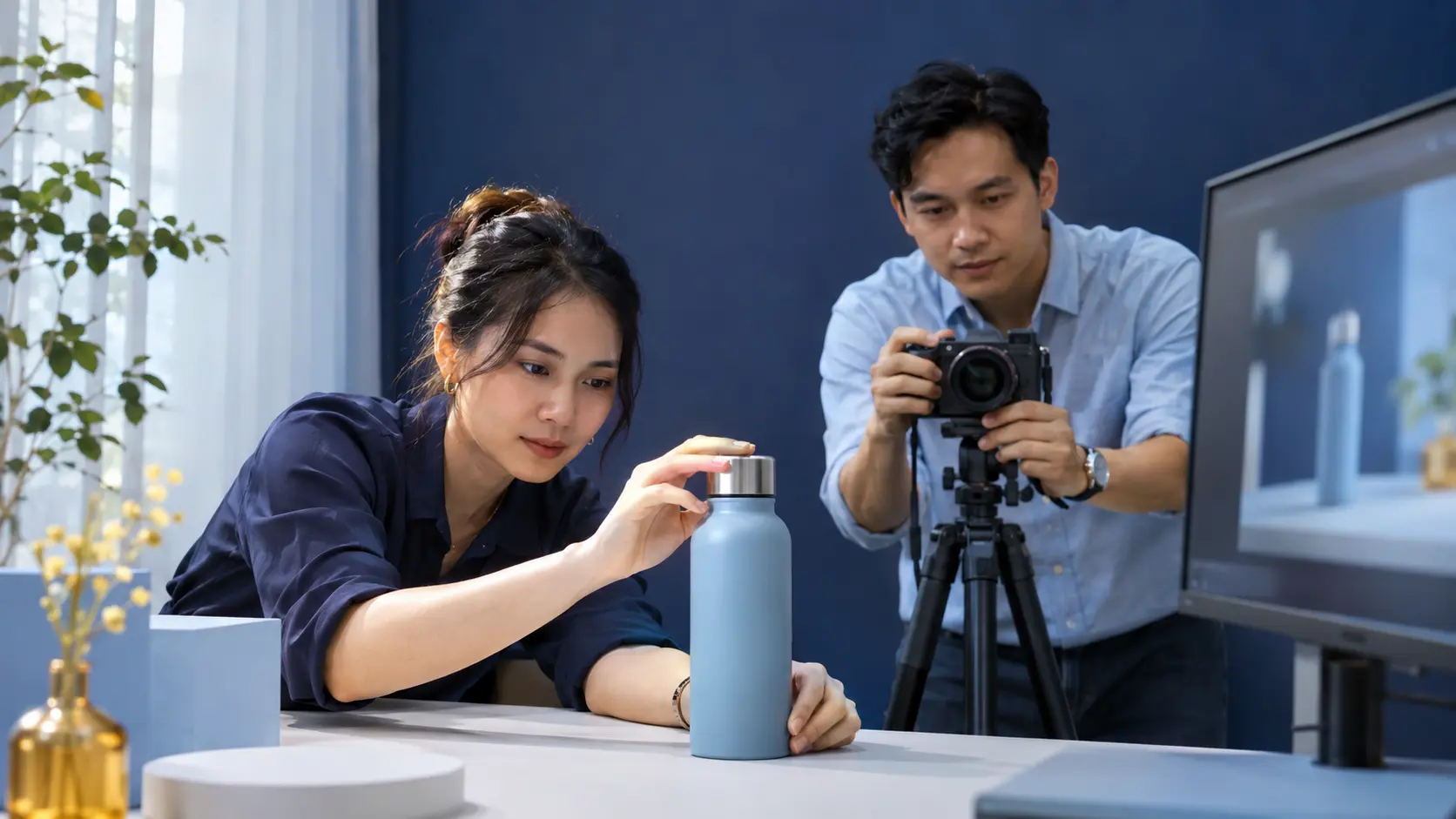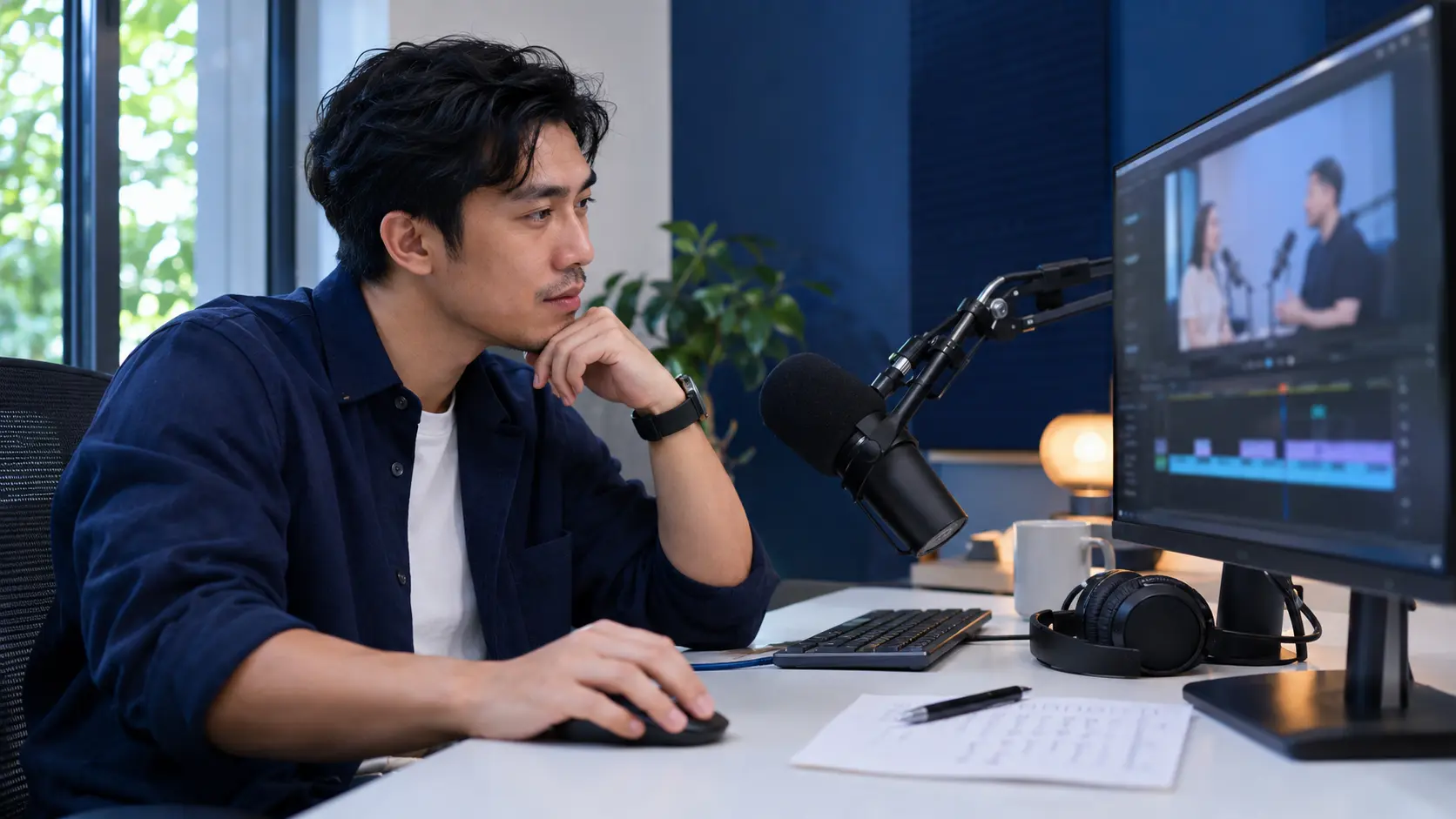

A clear brief, authorized assets and output review help beginners coordinate video tools with Claude Code.
Can Claude Code edit videos instead of CapCut?
Claude Code can help write code, run tools and organize video workflows when the environment can access files and required software. HyperFrames creates video from HTML; Remotion uses React; FFmpeg processes and encodes media. These are possible tool choices, not three mandatory installations.
There is no basis for promising every output will beat CapCut or finish in seconds. Quality depends on footage, brief, design and review; speed depends on hardware, duration, effects and extra services. These BHKD prompts are task templates, not benchmark results or evidence that every template has been tested.
Getting started: inspect the environment before installation
Step 1: Open Claude Code in a dedicated project folder with copies of footage in an input folder. Prepare clear filenames, permitted logos, colors, fonts and music, plus the video goal. Claude Code must actually access the local files; mentioning an upload in another conversation is not sufficient.
Step 2 setup prompt: Inspect this project’s operating system, file access, available disk space and installed tools. Read current official HyperFrames or Remotion documentation and choose one approach suited to the video. Install only missing required dependencies; check FFmpeg/ffprobe if needed. Explain planned commands, installation sources, versions and service costs before changing the environment. Do not delete or overwrite source footage or use paid APIs without permission. Render a five-second test, check picture and sound, and report its file path and unresolved issues.
Step 3: Once the test works, choose a prompt below and replace bracketed fields with your brief. Request a short draft before a full render. For transcription, first identify the speech-recognition tool, word-level timing capability, data handling and any cost.
Prompt 1: Edit raw footage cleanly
Files to prepare: MP4/MOV footage; optional logo and music.
Copyable prompt: Inventory [input] clips and report unreadable files. Edit a [60-second, 16:9] video for [audience/goal]. Propose a shot list with source timecodes; remove mistakes and excess pauses without changing meaning. Match audio and color and use restrained transitions. Export a 15-second draft, then a 1920×1080 MP4 after approval; keep project source and a change log in [output].
Prompt 2: Turn a long video into five shorts
Files to prepare: A podcast, interview or webinar you have permission to use.
Copyable prompt: Analyze [video] using available media/transcription tools; disclose limitations if you cannot inspect it. Propose five 30-60-second segments with timecodes, hooks and selection reasons. Preserve important context and qualifications. After approval, edit each at 1080×1920 with readable captions and subject-aware framing; export five MP4s and source timecodes.
Prompt 3: Add animated captions
Files to prepare: A dialogue video; transcript if available.
Copyable prompt: Transcribe [video] with an approved tool and provide a transcript for correcting names, numbers and terms. Use word-level animation only with sufficiently accurate timestamps; otherwise use phrase captions and state the limitation. Use [color] and a Vietnamese-capable [font], at most two lines, without covering faces. Export captioned MP4 and SRT, plus ASS only if that effect format is actually used.
Prompt 4: Edit a professional LinkedIn video
Files to prepare: Talking-head, teaching or presentation footage.
Copyable prompt: Edit [video] for [LinkedIn audience], [60-90 seconds] in [4:5]. Remove excess pauses while keeping natural delivery and improve audio within tool limits. Add concise captions, at most three on-screen key points and subtle zooms when useful. Do not invent achievements or figures. Export an MP4 and on-screen copy for review.
Prompt 5: Turn a script into a storyboard before editing
Files to prepare: Script, images/clips, logo and audience brief.
Copyable prompt: Create a [45-second] storyboard from [script] with time, message, asset, on-screen text and audio columns. Use only [input] assets; flag missing shots rather than inventing product images or testimonials. Propose layouts in [brand colors]. Create a rough animatic and wait for approval before final effects and rendering.
Prompt 6: Create a 30-second product ad
Files to prepare: Product assets, logo, substantiated benefits and CTA.
Copyable prompt: Create a 30-second [product] ad with hook, problem, supported benefits, demonstration and [CTA]. Use [input] assets without altering product shape or specifications. Do not invent prices, discounts or efficacy claims. Use authorized music only. Compose separate 9:16 and 16:9 layouts, check text safe areas, and export drafts followed by approved final MP4s.
Prompt 7: Reduce noise and silence
Files to prepare: Original dialogue video/audio.
Copyable prompt: Inspect [video] audio, propose processing and produce a 10-second before/after comparison. Reduce noise where feasible and balance levels without distortion or lost consonants. Remove pauses and fillers only when meaning is preserved; do not promise recovery of missing audio. Keep the original, export an improved video and flag unclear passages.
Prompt 8: Add B-roll and visual emphasis
Files to prepare: Main video, B-roll, screenshots or permitted images.
Copyable prompt: Preserve [main video] narration. Propose a timecoded B-roll table using [folder] with each shot’s purpose. Do not present illustrative footage as evidence for unsupported events. Add restrained keywords, zooms and transitions without hiding important information. Flag missing B-roll or propose neutral graphics for approval. Export a draft first.
Prompt 9: Adapt a video to multiple aspect ratios
Files to prepare: Approved video, logo, CTA and caption source.
Copyable prompt: Adapt [approved video] to 9:16, 4:5 and 16:9. Propose subject-aware reframing rather than stretching or blind center cropping. Reflow captions, logos and CTA for each layout without losing faces or key information. Export key-frame previews, then MP4s named by aspect ratio and dimensions.
Prompt 10: Build a complete video from multiple clips
Files to prepare: Multiple raw clips; optional script, images, logo and music.
Copyable prompt: Inspect [input] clips and inventory usable shots and quality limits. Propose a [90-second] story for [goal] with opening, development and ending. Build a source-timecoded timeline without misleading speech edits. After approval, add titles, checked captions, authorized music and consistent color. Render MP4 at [dimensions] with project source, asset references and manual-review notes.
Practice project: a 30-second coffee-shop ad
Illustrative scenario: a coffee shop wants to introduce its quiet work-friendly space to office workers. You have six source clips, a logo and licensed music. The exercise produces a vertical introduction, not a sales guarantee or evidence of a real campaign.
Copyable brief: Create a 30-second 9:16 video at 1080×1920 for office workers looking for a place to work. Use six input clips: storefront, interior, brewing, drink close-up, work table and closing wide shot. Use navy, blue and white, a readable Vietnamese font and restrained effects. Open with A space for a focused work session. CTA: See the address and opening hours in the description. Do not invent an address, prices, offers or customer reviews. Flag unsupported benefits for confirmation. First inventory assets and propose a storyboard; do not render the full video yet.
From brief to draft: review in stages
Approve the message and shot order first, then timing, captions, audio and color. Changing everything at once makes improvements hard to attribute. This storyboard is an editorial suggestion for the exercise, not a universal advertising formula.
Draft-review prompt: Render only the first ten seconds of the approved storyboard. Report duration, dimensions, tools and versions actually used, output path and unresolved problems. Preserve originals. If the tool cannot run, do not claim a successful render or substitute a fabricated file path.
| Time | Content | Review point |
|---|---|---|
| 0-4 seconds | Space and hook | Readable text; do not claim quietness without adequate context. |
| 4-12 seconds | Brewing and drink close-up | Keep natural drink colors and product features. |
| 12-23 seconds | Work table and seating | Do not publish identifiable guests without appropriate permission. |
| 23-30 seconds | Wide shot, logo and CTA | Allow enough reading time; do not invent contact information. |
When a prompt fails: diagnose before reinstalling
Ask Claude Code for the actual command, a sanitized error and the next diagnostic step. Do not publicly disclose API keys, client data or sensitive paths. A font problem does not justify reinstalling the environment, and an unreadable file does not alone show that the prompt is ineffective.
Copyable debugging prompt: Diagnose the current error and distinguish asset, dependency, composition-code and permission problems. Propose the smallest testable change. Modify only relevant parts, preserve approved renders and state what remains unverified. Run a short test after the fix.
| Symptom | First action |
|---|---|
| Files not found | Check paths, read permissions and filenames; request a list of successfully read assets. |
| Broken Vietnamese text | Use a Vietnamese-capable font, verify loading and render a test sentence. |
| Caption drift | Compare transcript and timestamps with source; isolate unclear segments instead of guessing. |
| Black frames or missing audio | Check input media, timeline and logs; isolate the issue with a short scene render. |
| Slow render or memory limits | Shorten drafts or simplify effects; inspect resources before increasing concurrency. |
Measure revision time, not only draft speed
For each video, record asset preparation, drafting, rendering, revision rounds and review time. Compare against your established editing workflow on similar videos at the same quality standard. Track service, music, font and asset costs; an AI subscription is not the entire production cost.
For repeated formats such as templated product videos, reuse a tested brief and project. Emotional storytelling, missing footage and unclear dialogue still need editorial judgment and time. Scale production only once output is consistent across repeated trials.

Before publishing: review these six checks
Watch the entire rendered video: verify story and timecodes; names, figures and Vietnamese text; uncropped faces and text; clean audio; asset permissions; playable MP4, correct ratio and no unintended black frames. A few still frames are not a complete quality check.
Business lesson: AI can standardize briefs and automate repetitive work, but a person still owns the message, accuracy and final review. Start with a short, limited-asset project, measure revision time and only then scale to batch production.
- Do not install both frameworks by default.
- Media and transcription tools must actually be available.
- Review drafts, preserve originals and watch the final video.
Clear briefs and review matter more than promises of instant editing.
Suggested actions
Frequently asked questions
Can a prompt immediately edit any video?
No. You need a working Claude Code environment, accessible assets, media tools and a successful test render.
Are HyperFrames and Remotion both required?
No. Choose an approach suited to the project and use FFmpeg or other dependencies when the workflow requires them.
Are word-level captions automatically accurate?
Not necessarily. Suitable transcription and timestamps are required, followed by checks of names, figures and synchronization.
Must one long prompt handle the whole project?
No. Separate asset inspection, storyboard, draft, revision and final render, with a verifiable output at each step.
Are these documentary photos of Claude Code users?
No. They are AI-generated illustrations in BHKD colors, not evidence of an actual session or video result.
Series: Claude Code video: from prompts to practice
- 10 Claude Code video prompts: a practical beginner guide
- Claude Code: turn a podcast into five contextual short videos
- Claude Code: create Vietnamese captions and check errors
- Claude Code: build a 30-second product ad from real footage
Official documentation checked on 3 November 2026. BHKD edited these templates and added prompts 5 and 9 to complete the set. Execution depends on the environment, media tools and asset permissions.
Last updated: 3 Nov 2026
Bài Học Kinh Doanh Editorial Team
Editorial Team | Bài Học Kinh DoanhBan Biên tập Bài Học Kinh Doanh tổng hợp và biên tập các nội dung về kinh doanh, thị trường, quản trị, công nghệ và khởi nghiệp, với mục tiêu giúp người đọc hiểu rõ vấn đề, nhìn thấy bài học phía sau dữ kiện và có thêm cơ sở cho các quyết định thực tế.
View author profile